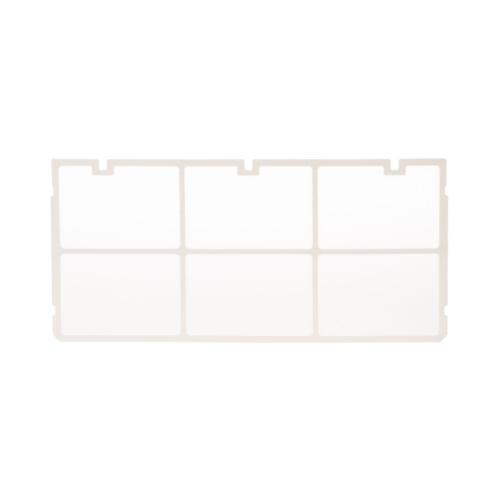

General Electric WJ71X10657 Air Conditioner Air Filter
Description
This Part Fits the Following Models
78 modelsStep1: Turn off the air conditioner and unplug the power supply.
Step2: Open the front grille panel to access the filter compartment.
Step3: Remove the old air filter from the sliding track carefully.
Step4: Clean the surrounding frame to remove dust buildup.
Step5: Insert a new filter following the airflow direction arrows.
Step6: Close the panel and restore power to test airflow.
-
What maintenance is required for the General Electric WJ71X10657 Air Filter?
Remove and rinse the air filter regularly to clear dust and debris. Confirm it fits securely in its slot. Verify airflow moves freely, cooling remains even, and the unit operates consistently without reduced performance during repeated use.
-
What are common issues with the General Electric WJ71X10657 Air Filter?
- Reduced airflow due to clogged filter.
- Dust bypassing the filter into the unit.
- Unpleasant odors from accumulated debris.
- Air conditioner not cooling efficiently.
Customer Reviews
Write a Review
-
Clean Air
Traps dust effectively easy to remove and clean keeps airflow steady.
-
Filters Cleanly
Filter fits snugly and is easy to remove and clean.
We strive to provide our customers with a hassle-free and efficient shopping experience. Our shipping policy ensures the timely delivery of your orders and complete customer satisfaction. View More
We are committed to ensuring your complete satisfaction with every purchase. We understand that circumstances may arise where you must return a product or request a refund. If for any reason you are not satisfied, you may return the item(s) according to the terms outlined below. View More
This Payment Policy outlines the terms and conditions governing all payments made for products purchased through our website. By making a purchase, you agree to be bound by this Payment Policy. View More