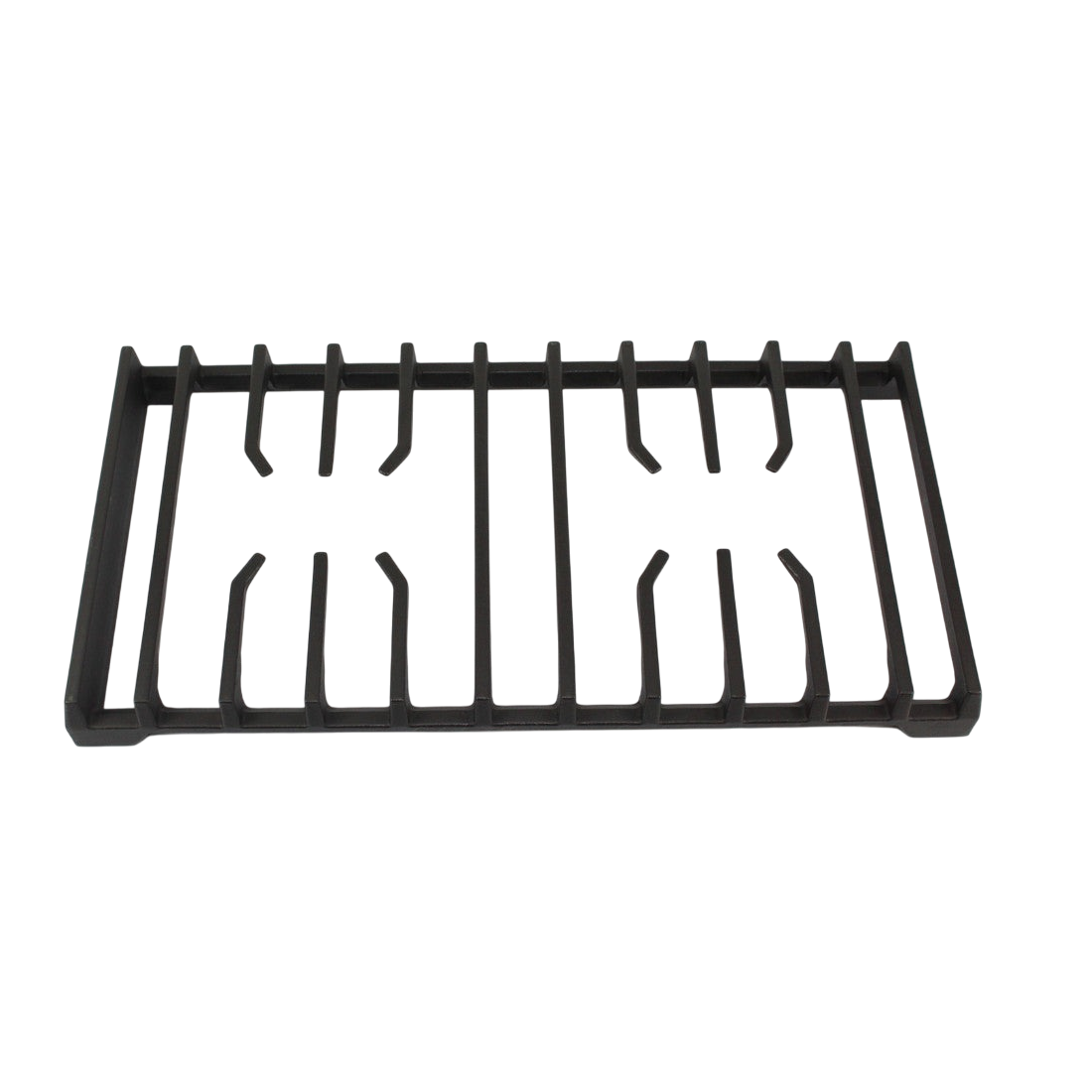

Samsung DE81-08548A Oven SVC Left Side Grate
Description
Step 2: Your oven should be gently accessed by unscrewing all fasteners surrounding the front and rear panels.
Step 3: Upon opening the oven, the existing SVC-GRATE SIDE LEFT should be identified, typically found at the bottom left corner of the appliance.
Step 4: Any wires linked to the side grate should be detached, then it should be extracted from the oven by carefully pulling it away.
Step 5: The new SVC-GRATE SIDE LEFT should be removed from its box and positioned into the left side of your oven, being fastened with the screws taken out previously.
Step 6: The wires should be reattached to the new side grate and the oven should be closed.
Step 7: The oven should be reconnected to the power source and turned on to verify that the new side grate functions properly.
By adhering to these DIY instructions, the Samsung DE81-08548A SVC-GRATE SIDE LEFT can be successfully replaced independently, thus conserving both time and funds. Best of luck!
Please note that these instructions serve as general guidance and should always be utilized alongside the manufacturer's manual, if one is available.
Customer Reviews
No reviews yet. Be the first to write one!
Write a Review
We strive to provide our customers with a hassle-free and efficient shopping experience. Our shipping policy ensures the timely delivery of your orders and complete customer satisfaction. View More
We are committed to ensuring your complete satisfaction with every purchase. We understand that circumstances may arise where you must return a product or request a refund. If for any reason you are not satisfied, you may return the item(s) according to the terms outlined below. View More
This Payment Policy outlines the terms and conditions governing all payments made for products purchased through our website. By making a purchase, you agree to be bound by this Payment Policy. View More